Spin the Wheel Online
This free spin the wheel is a custom random wheel you fill with your own list. Type your options, tap the center of the wheel, and it slows to a stop on a winner picked fairly at random. Use it as a decision wheel for what to eat, a yes or no spinner, or a raffle draw. It runs in your browser, there are no ads, and there is nothing to sign up for.
How to spin the wheel
The wheel starts with a few sample items. Replace them in the Your list box, one item per line, and the wheel redraws as you type. Then tap Spin in the middle of the wheel (or the wheel itself). It turns, ticks past each slice, and stops with one slice under the fixed pointer at the top. A card announces the winner in large type, with Spin again and Remove winner & spin again underneath.
Make a custom spin the wheel
Any list works: lunch options, chores, students, giveaway entries, truth or dare prompts. Empty lines are ignored, and you need at least 2 items. The wheel holds up to 100, colored in alternating slices with the label printed along each one; long labels are shortened on the wheel but shown in full on the result card. If you only need names, the random name picker pulls one from a pasted list without the wheel.
Remove the winner and spin again
For raffles or taking turns, open Options and switch on Remove winning item after spin. When you close the result, the winner is deleted from the list and the wheel redraws without it, so nobody comes up twice. With it off, the result card still offers Remove winner & spin again for a one-off. The same Options panel holds the Sound effects switch and a Spin duration slider from 1 second (quick) to 10 seconds (suspenseful); it starts at 4.
Decision wheel ideas
Put in what to eat tonight, which movie to watch, who goes first in a game, or which chore comes next. For a yes or no wheel, type just Yes and No. To tilt the odds, repeat an item: three lines of Pizza and one of Salad makes pizza three times as likely.
How the random pick works
The winner is chosen before the wheel moves. The page asks your browser's cryptographic random number generator for a number and throws away any value that would favor some slices over others, so each line has the same chance on every spin. The wheel is then turned to the exact angle that puts that slice under the pointer. Nothing is sent anywhere: your list is not uploaded or saved, and closing the page clears it.
Frequently asked questions
Is spin the wheel really random?
Yes. Each spin picks the winner first, using your browser's cryptographic random number generator with rejection sampling, so every item has exactly the same chance. The wheel then turns to land on that winner. The animation is for show and cannot change the result, and the wheel never remembers what came up before.
How do I make a custom spin the wheel?
Type or paste your own items into the list box below the wheel, one per line. The wheel redraws as you type, with one colored slice per item and empty lines ignored. Anything goes: dinner ideas, chores, team members, prizes. You need at least 2 items and the wheel holds up to 100.
How do I spin the wheel yes or no?
Type Yes on one line and No on the next, then tap the center of the wheel. For a three-way answer add Maybe. You can also repeat a word to weight the odds: two Yes lines and one No line gives yes a two-in-three chance.
Can I spin the wheel to decide what to eat?
Yes. List every place or dish you would be happy with, one per line, and spin. The wheel starts with a few sample meals you can overwrite. If the first answer does not feel right, tap Spin again, or remove it and spin again to narrow the field.
Can I use a spin wheel for a raffle?
Yes. Paste in the names, or one line per ticket, and spin for each prize. Turn on Remove winning item after spin in Options, so each person can win only once. The pick is random and nothing is stored, but it is a casual draw, not a certified one.
How do I remove the winner after each spin?
Open Options and switch on Remove winning item after spin: the winner leaves the list when you close the result. Or leave it off and tap Remove winner & spin again on the result card when you want it for a single round.
Can I spin the wheel with sound?
Yes. A short ticking sound plays as the wheel passes each item, with a chime when it stops. It is made in your browser, so there is nothing to download. Switch it off with Sound effects in Options.
Do I need to sign up or install anything?
No. There is no account, no ads, and nothing to install. The wheel runs in your browser and your list is never uploaded or saved. You can add it to your home screen if you want it one tap away.
How many options can the wheel hold?
From 2 to 100 items. With a long list the slice labels get small, but the winner is always announced in large type on the result card. Lines past the 100th are ignored.
Recommended
-
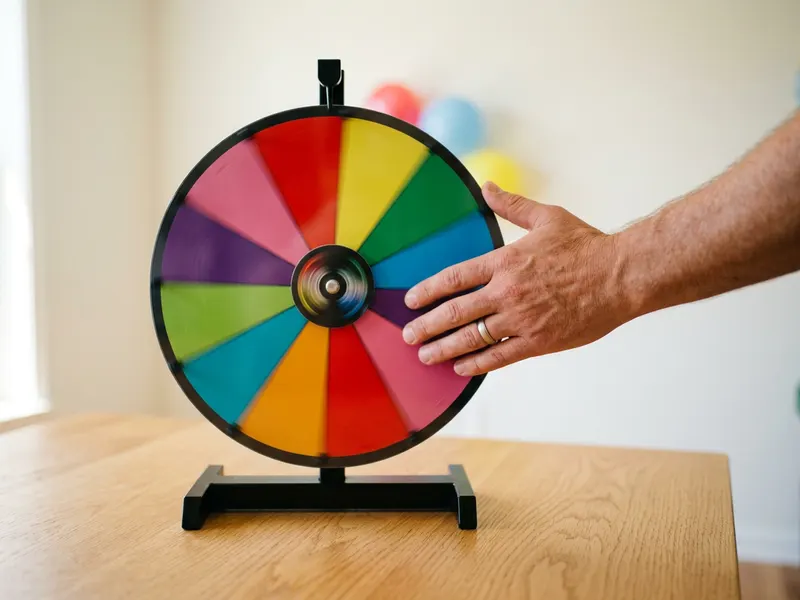 Pionites 12" Tabletop Prize Wheel (12 slots)
Like the wheel? Make it real: write your options on the wedges and spin it in the room.
-
 Metal Raffle Drum with Crank
Turn the draw into a moment: crank the drum and pull the winner out in front of everyone.
-
 24" Tabletop Prize Wheel with Stand
Running a giveaway? A big wheel everyone can see from across the room.
Helps keep the tools free. ✨
Images are for illustration only. As an Amazon Associate I earn from qualifying purchases.