Split Bill by Item Calculator
This free split bill by item calculator works out exactly what each person owes. Type each price, tap the people who shared it, and enter the tax and tip once. The tax and tip are shared in proportion to what each person ordered, so nobody pays extra for someone else's order. It is worked out on your device and nothing is uploaded. No sign-up needed.
How to split a bill by item, step by step
- Tax and tip - type the total tax and the total tip from the receipt at the top. Leave a box empty if there is none: a blank tax or tip counts as 0.
- Item price - type the price of one item from the receipt.
- Who shared it - tap the name of everyone who had some. Tap two or more for a shared item.
- Add item - repeat for each item. The totals at the bottom update every time.
Tap Manage people to rename Person 1 and Person 2, add more people (up to 12), or remove someone. To fix a mistake, tap a name on an item in the list to add or remove that person, or delete the item with the trash button. Amounts have no currency symbol, so it works in any currency.
How tax and tip are shared in proportion
Each person's share is their own items divided by the total of all items. Their part of the tax is the tax times that share, and their part of the tip is the tip times that share. Their total is their items plus their tax plus their tip. All the math is done in whole cents and the odd cents are handed out so the amounts always add up to the exact bill, with no stray penny left over.
A worked example
Alex has a 14.00 burger, Sam has a 10.00 salad, and they share 6.00 of nachos. The tax is 3.00 and the tip is 6.00.
Sam: 10.00 + half of 6.00 = 13.00 of the 30.00 food (43.3%)
Alex pays 17.00 + 1.70 tax + 3.40 tip = 22.10
Sam pays 13.00 + 1.30 tax + 2.60 tip = 16.90
Together: 39.00 = 30.00 food + 3.00 tax + 6.00 tip
Splitting shared items, like appetizers and desserts
For a shared plate, add it as one item and tap everyone who ate it. Its price is divided evenly between them. If three people share a 10.00 dish it comes to 3.34, 3.33 and 3.33, and the odd cent rotates from item to item so the same person is not always the one who pays it. An item that nobody is tapped on is left out of the totals and flagged, so you can see it needs an owner.
What this splitter does and does not do
| It does | It does not |
|---|---|
| Split any receipt by item, in any currency | Read a photo of a receipt or scan it |
| Share tax and tip in proportion to each person's items | Work out a tip percentage for you: you enter the tip amount |
| Handle up to 12 people and shared items | Save the bill or send it anywhere: it is gone when you close the page |
| Keep everything on your device | Need an account |
Frequently Asked Questions
How do you split a bill?
Add each item from the receipt with its price and tap the people who shared it, then enter the total tax and tip. Every person pays for their own items, plus a share of the tax and tip that matches their share of the food. Items with several owners are divided evenly between them.
How do you split a restaurant bill by item?
Type the price of each dish and tap the people who ate it. Tap several names for something shared, like an appetizer, and its price is divided between them. The totals at the bottom update after every item, so you can check them against the receipt as you go.
How do you split tax on a receipt?
Enter the tax from the receipt as one amount. The splitter shares it in proportion to what each person ordered: someone whose items are 40% of the food pays 40% of the tax. That way nobody pays extra tax on a dish they did not order.
Should tax be included in the tip?
That is a local custom: some people tip on the pre-tax subtotal and others on the total. This tool does not decide for you. Enter the tip amount you actually plan to leave and it is split in proportion to each person's items.
How do you split a bill unevenly?
Splitting unevenly is what assigning items does: a person who ordered more pays more, and one who ordered less pays less. Nobody has to pick a percentage. The split follows the receipt, and tax and tip follow the split.
How do you split a bill proportionally?
Each person's share of the food is their items divided by the whole food total. Tax and tip are then multiplied by that share. The splitter does this for you in whole cents, so the amounts always add up to the exact bill.
What is a fair way to split bills?
When people ordered different amounts, the fair way is that each person pays for their own items plus a share of tax and tip equal to their share of the food. An equal split makes light eaters pay for heavy ones. Assigning items avoids that.
Recommended
-
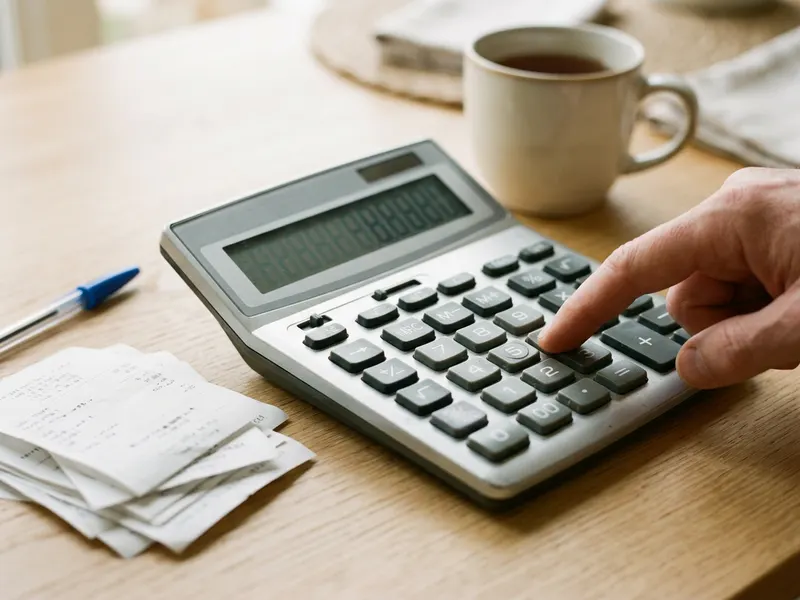 Casio MS-80B Desktop Calculator
Double-check the split before anyone pays.
-
 Codenames Word Party Game
Keep the table going while the bill gets sorted.
-
 Fujifilm Instax Mini 12 Instant Camera
Print a photo of the night out for everyone.
Helps keep the tools free. ✨
Images are for illustration only. As an Amazon Associate I earn from qualifying purchases.